
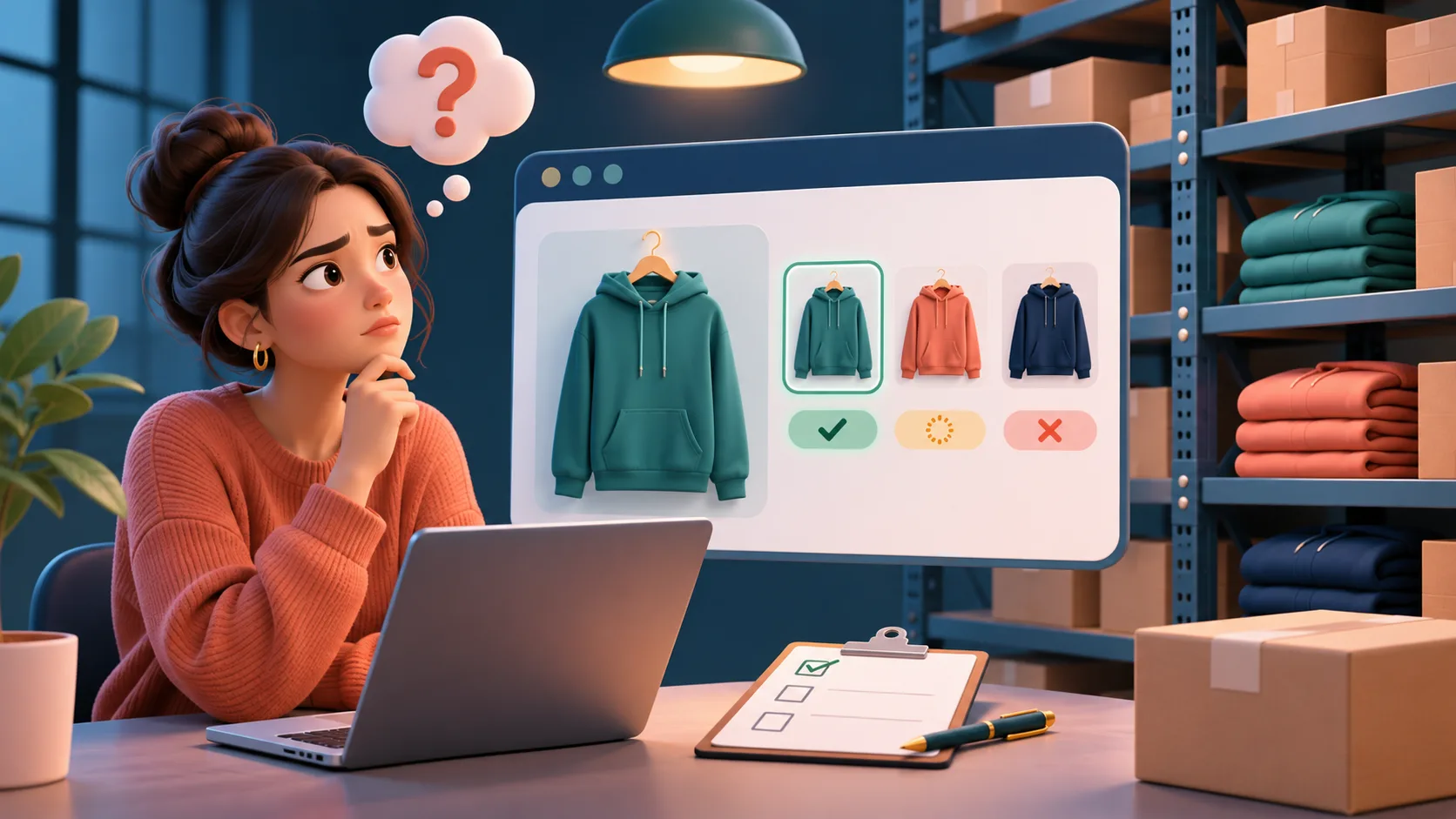
A shopper asks whether a jacket is available in a particular size. A confident answer can be wrong even when a product exists in the catalog: the requested variant may be unavailable, the answer may reflect another website, or inventory may have changed since the data was fetched. Before deploying an AI shopping assistant, test those cases against the store's actual configuration and an independently checked storefront.
Start with the right question
Ask whether the exact item and variant can be purchased through the shopper's current sales channel, rather than whether some warehouse has units on a shelf. Adobe describes a stock as virtual aggregated inventory that maps sources to sales channels; salable quantity accounts for configuration and reservations. Backorders can permit sales beyond zero inventory. The merchant's own setup and customizations determine the correct answer in a given case. Adobe documents this in its Stocks and sources guide.
An assistant should not translate a raw quantity into a promise of delivery, reserve an item merely by saying it is available, or expose internal warehouse information without a reason and authorization. If the integration cannot establish availability for the specific variant and channel, it should say that availability could not be confirmed and offer a useful next step.
Build a small availability test set
Use synthetic or non-sensitive test cases and record the expected result from the relevant storefront or an authorized Magento admin view.
These are test scenarios, not statements that all stores share the same behavior. Include any merchant-specific inventory extensions, sales channels and rules in the test setup. Consider these examples:
- A configurable product whose requested size is available and another size is unavailable.
- An item unavailable in one website but offered in another, if the merchant operates both.
- A backorder case with approved customer-facing wording and lead-time information, if configured.
- A product whose status changes between two questions in the same conversation.
- A missing or delayed inventory response and a product with incomplete variant data.
- A shopper who changes size or asks for a quantity greater than the permitted amount.
Compare the complete answer with evidence
For each case, capture the question, selected variant, website, time, independently checked expected status, assistant wording, product card and link. Check that the card links to the intended item and does not imply availability for a different variant. Record the source and age of the assistant's data where the integration exposes them. Recheck the outcome after a controlled inventory change; define a freshness limit suited to the store rather than assuming a universal interval.
A useful answer distinguishes “available to order now” from “available on backorder,” if the store can verify that distinction. If availability is unknown, offer the product page or support route without suggesting an answer was verified. Do not promise a date unless it comes from a current, authoritative merchant source.
Check failure and handoff behavior
Test an unreachable catalog, an expired cached result and contradictory product information. The assistant should avoid repeating a previous stock claim as current when it cannot refresh it. A human support route should carry only the context needed to help, such as the product and variant; avoid sharing personal details unless required and authorized. Ask support staff to review ambiguous cases and record recurring gaps for correction in the catalog or integration.
Measure accuracy alongside shopping outcomes
Choose an explicit denominator, such as reviewed availability answers in a representative sample. Track the share matching the independently checked status, unsupported stock or delivery promises, and cases where availability could not be verified. Segment by website and variant where useful. Product-page visits and assisted purchases can describe engagement, but do not by themselves prove the assistant caused a sale. Sample outcomes after catalog or inventory changes and compare them with a documented baseline.
Questions merchants can ask a vendor
Availability changes. A careful assistant presents only what its current, authorized sources establish and gives the shopper a clear next step when they do not.
- Which sales channel and variant does the availability lookup use?
- What happens when the source is stale, unavailable or contradictory?
- How are backorders and quantity limits represented to shoppers?
- Can we test a controlled inventory change and inspect the displayed card?
- What evidence is available to troubleshoot a wrong answer without retaining unnecessary personal data?